Button inside list item slot icon is black but should be white #559

Description

Bug Report
Package versions:
devexteme version: 21.2.5
devextreme-vue version: 21.2.5
Steps to reproduce:
- Create a new app
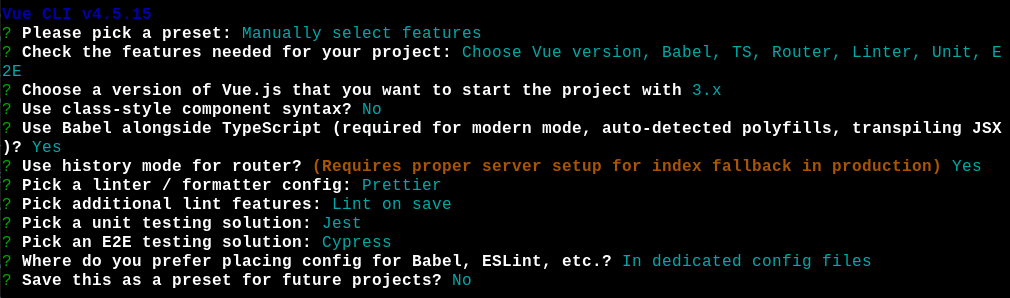
- Install the dependencies
npm install devextreme devextreme-vue - Inside main.ts add the line
import 'devextreme/dist/css/dx.light.css'; - Inside index.html replace the whole
bodytag with
  <body class="dx-viewport">
    <div id="app"></div>
</body>- Inside App.vue replace the code with
<template>
  <DxList :data-source="items">
    <template #item>
      <DxButton icon="trash" type="danger" />
    </template>
  </DxList>
</template>

<script lang="ts">
import DxButton from "devextreme-vue/button";
import DxList from "devextreme-vue/list";
import { defineComponent, ref } from "vue";

export default defineComponent({
  components: {
    DxButton,
    DxList,
  },
  setup() {
    const items = ref(["foo", "bar"]);

    return { items };
  },
});
</script>- Running the app should render the following

Current behavior:
Using
<DxButton icon="trash" type="danger" />inside the list item slot renders a red button with a black trash icon.
Expected behavior:
As described in the docs
https://js.devexpress.com/Demos/WidgetsGallery/Demo/Button/Icons/Vue/Light/
I can use
<DxButton icon="trash" type="danger" />to render a red button with a white trash icon.
I would expect the icon to be white inside the list slot too.
Screenshots:
Current

Expected
