











最新请使用 Nuget 预览版包 |下载可执行程序EXE |项目模板下载VSIX
| .Net Version | Status |
|---|---|
| net40 | ✅ |
| net45 | ✅ |
| net451 | ✅ |
| net452 | ✅ |
| net46 | ✅ |
| net461 | ✅ |
| net462 | ✅ |
| net47 | ✅ |
| net471 | ✅ |
| net472 | ✅ |
| net48 | ✅ |
| net481 | ✅ |
| netcoreapp3.0 | ✅ |
| netcoreapp3.1 | ✅ |
| net5.0-windows | ✅ |
| net6.0-windows | ✅ |
| net7.0-windows | ✅ |
| net8.0-windows | ✅ |
| net9.0-windows | ✅ |





| 贡献者 | 贡献 |
|---|---|
| @HaHa-ZYK | 项目质量守护者 🛡️ - 感谢你持续提交了大量极其宝贵且高质量的 Issue,你的细致观察力是项目稳定的基石。 |
| @wanghaodong24 | 感谢你持续提交了大量宝贵的 Issue |
如果您觉得我们的开源软件对你有所帮助,请扫下方二维码打赏我们一杯咖啡。
| 支付宝 | 微信 |
|---|---|
 |
 |
Install-Package WPFDevelopers
xmlns:wd="https://github.com/WPFDevelopersOrg/WPFDevelopers" <Application.Resources>
<ResourceDictionary>
<ResourceDictionary.MergedDictionaries>
<ResourceDictionary Source="pack://application:,,,/WPFDevelopers;component/Themes/Theme.xaml" />
<!-- 需要注意 wd:Resources 必须在Theme.xaml后 -->
<!-- 默认情况下,Theme 会跟随系统主题(适用于 Windows 10 及以上版本),自动切换为 Light 或 Dark 模式。
若要手动设置为 Light 模式,可以使用 Theme="Light"。
你还可以自定义主题色,使用 Color="Fuchsia"(例如设置为 Fuchsia)-->
<wd:Resources />
</ResourceDictionary.MergedDictionaries>
</ResourceDictionary>
</Application.Resources>xmlns:wd="https://github.com/WPFDevelopersOrg/WPFDevelopers"

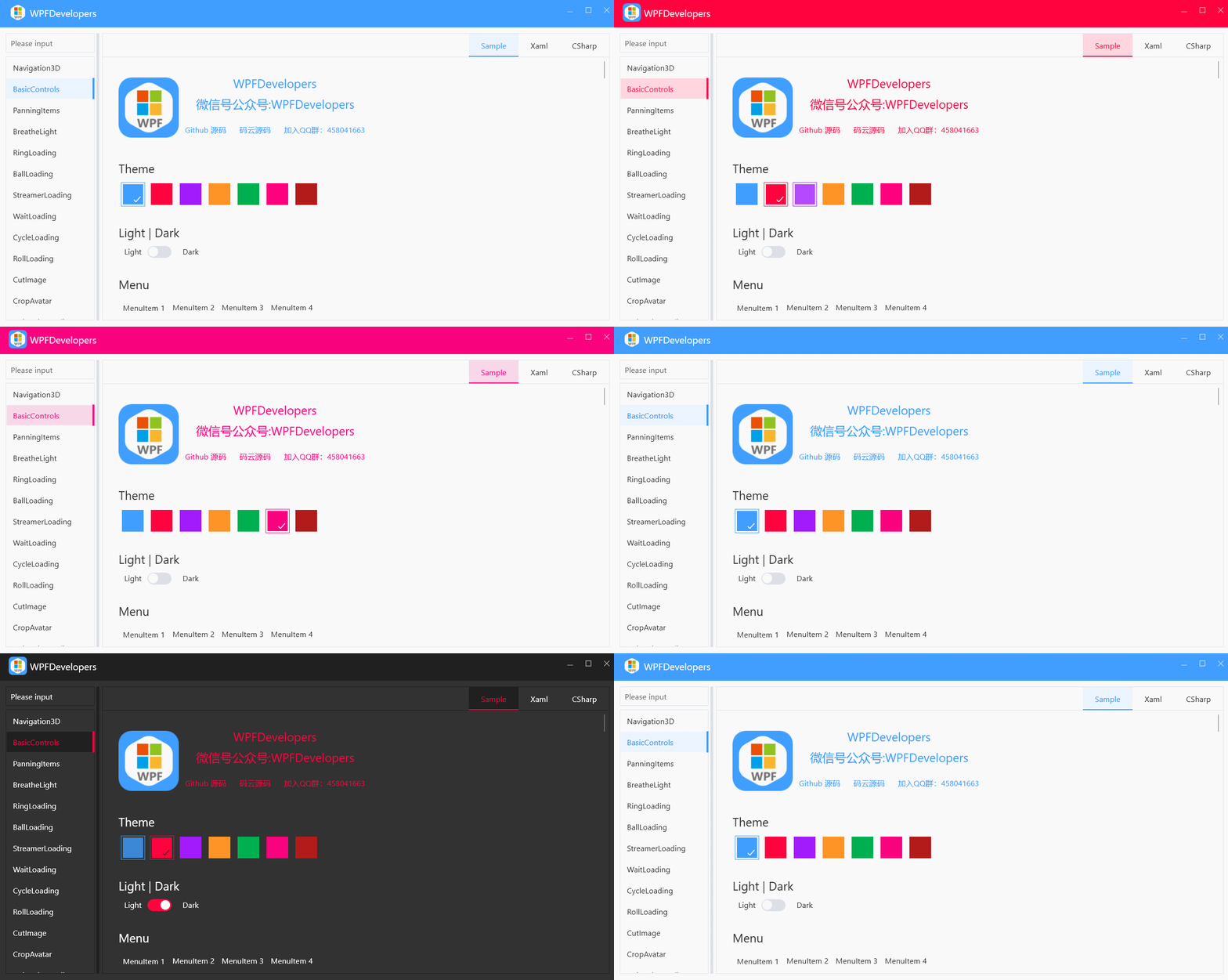

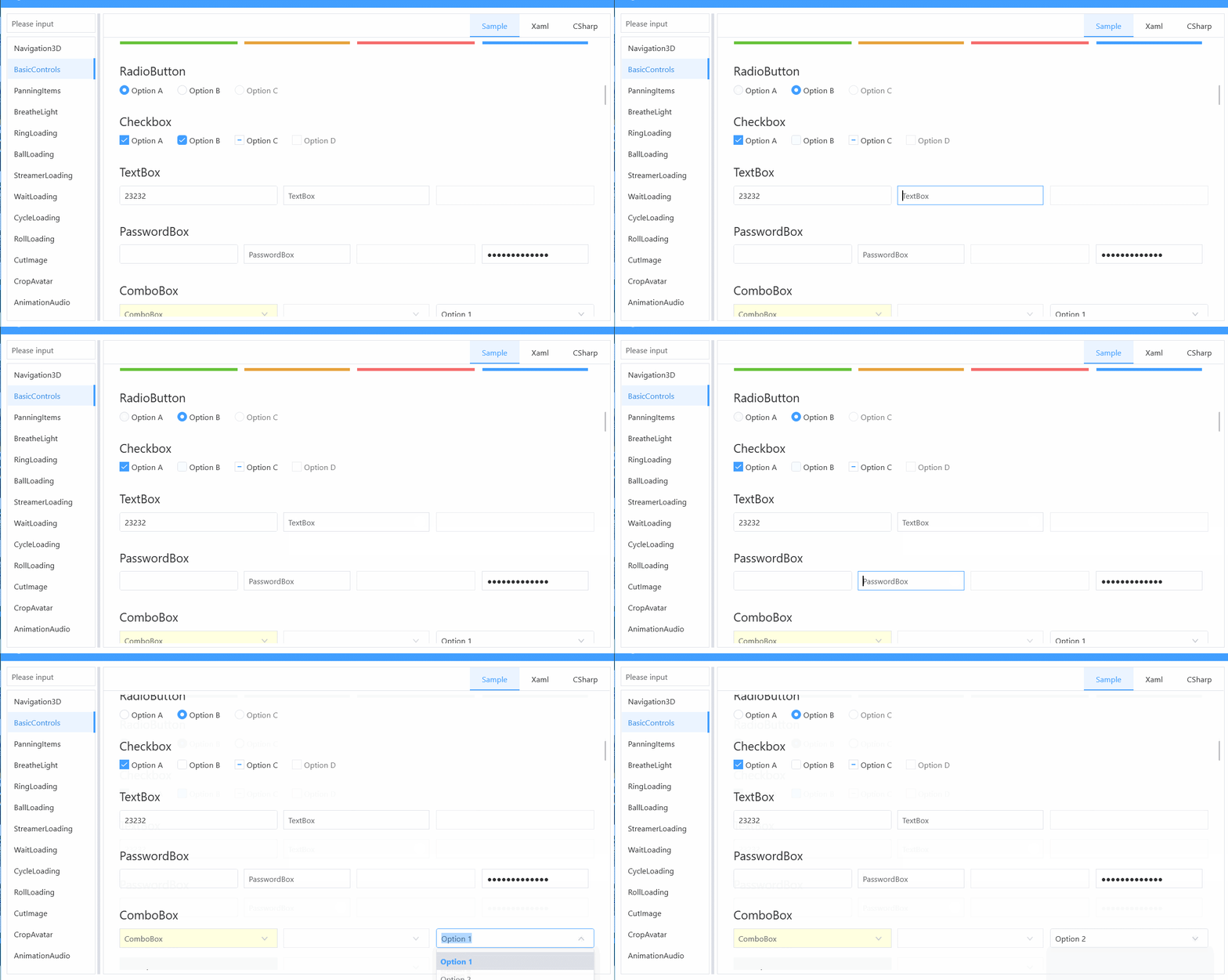
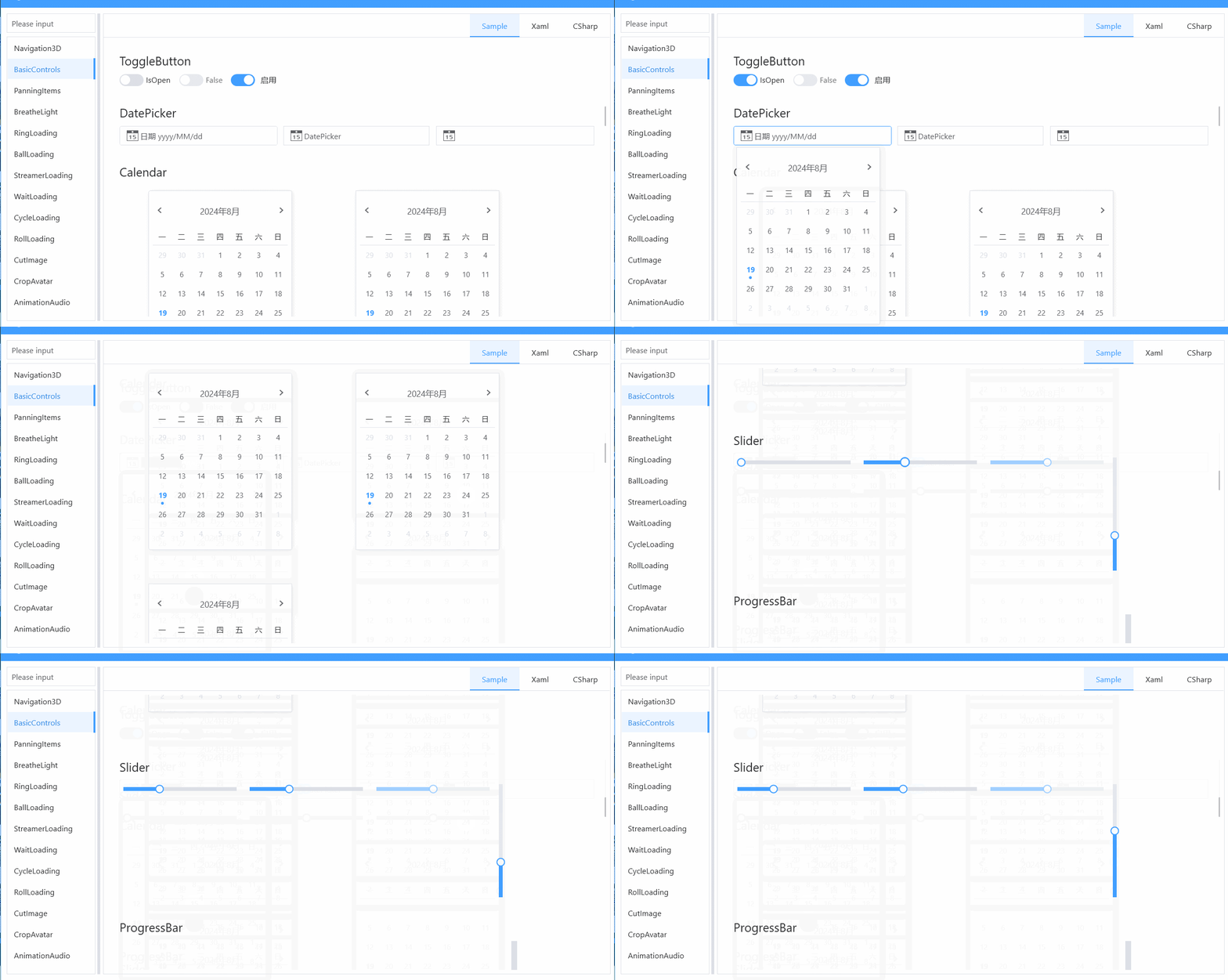
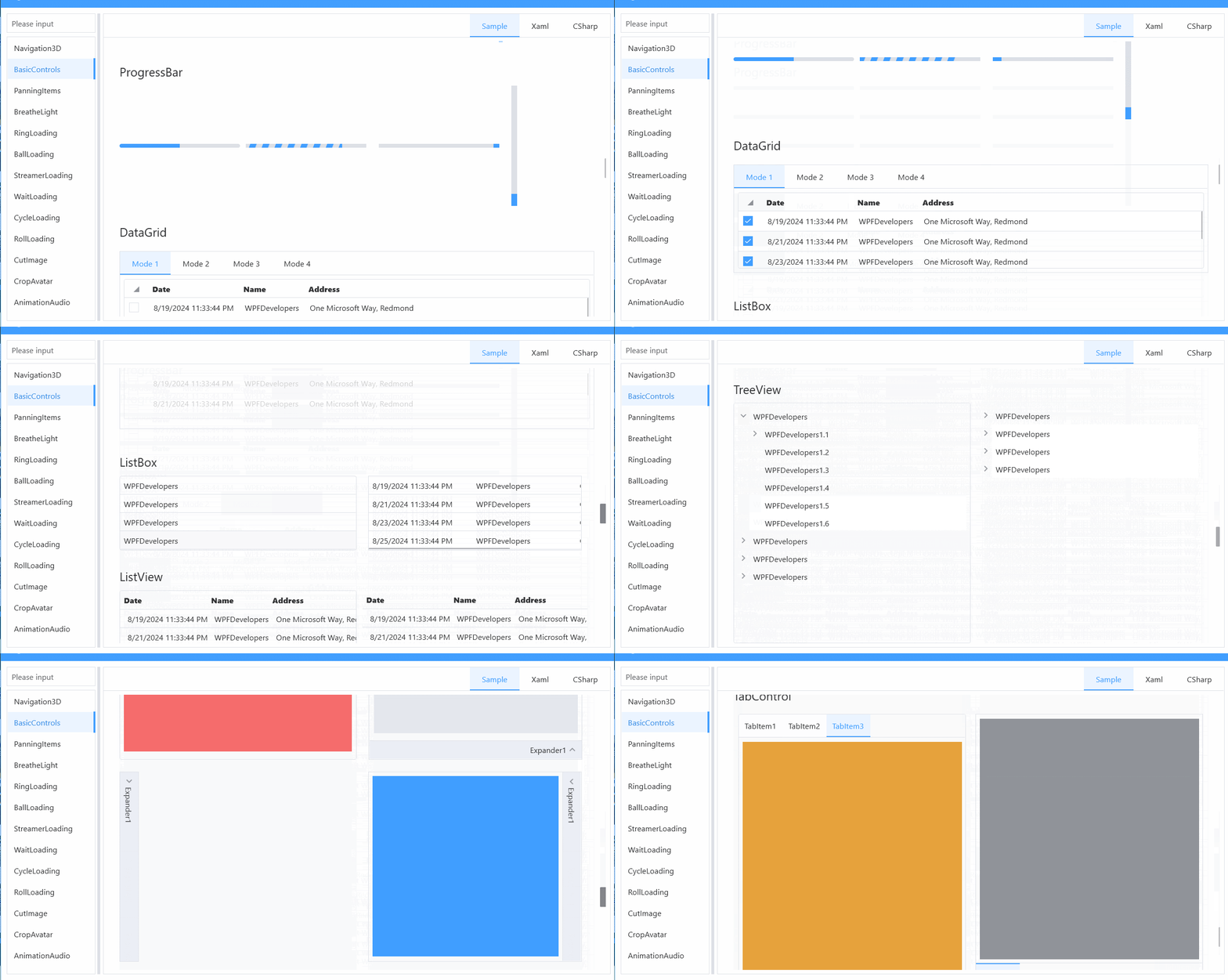


文章地址:https://mp.weixin.qq.com/s/D-UTqSl1JfaVxYURn851SQ

文章地址:https://mp.weixin.qq.com/s/-LCea6ZM-_0DY8mvtbLzGg

文章地址:https://mp.weixin.qq.com/s/ekkJhFK0e6vEv0FXsFye0A

文章地址:https://mp.weixin.qq.com/s/iTIIUdwNhMeINq4dleQY3g

文章地址:https://mp.weixin.qq.com/s/iTIIUdwNhMeINq4dleQY3g

文章地址:https://mp.weixin.qq.com/s/1SeYjV_bxvFNFyP5IcpiLA

文章地址:https://mp.weixin.qq.com/s/zj1wBL3nqYGdHsp0Xe3u2Q
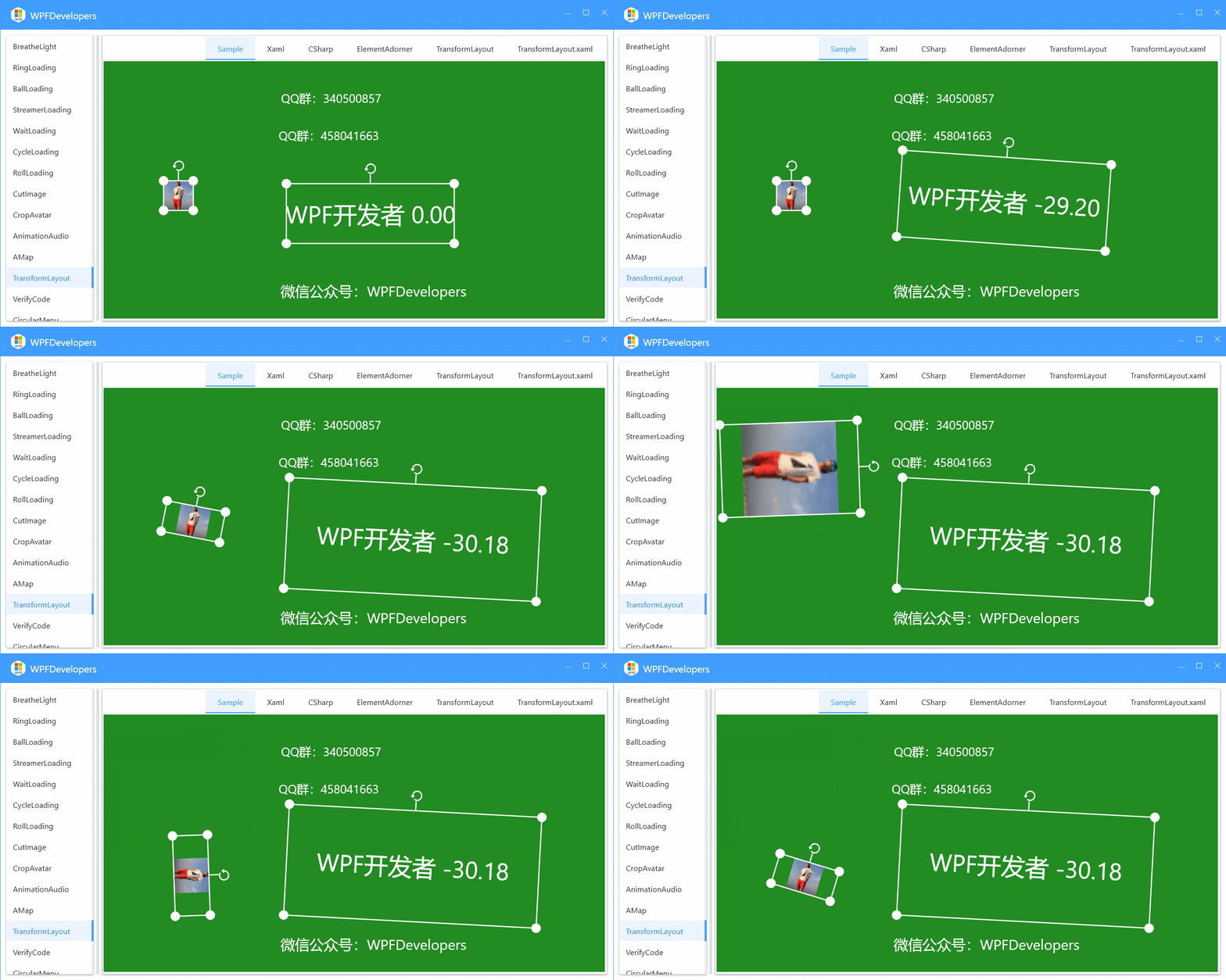
文章地址:https://mp.weixin.qq.com/s/LiPR-q404WS2VPEmn0W_fQ

文章地址:https://mp.weixin.qq.com/s/LiPR-q404WS2VPEmn0W_fQ

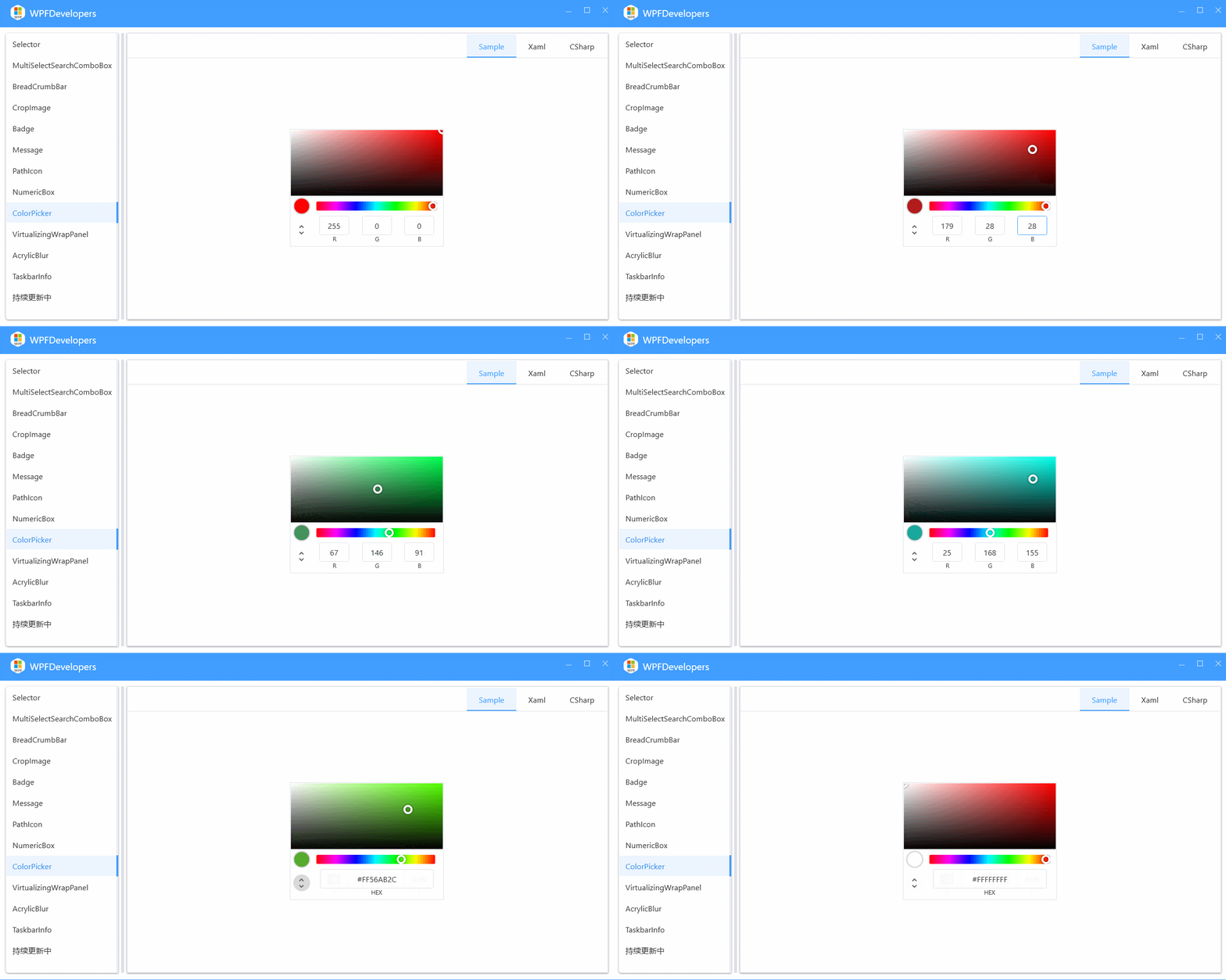
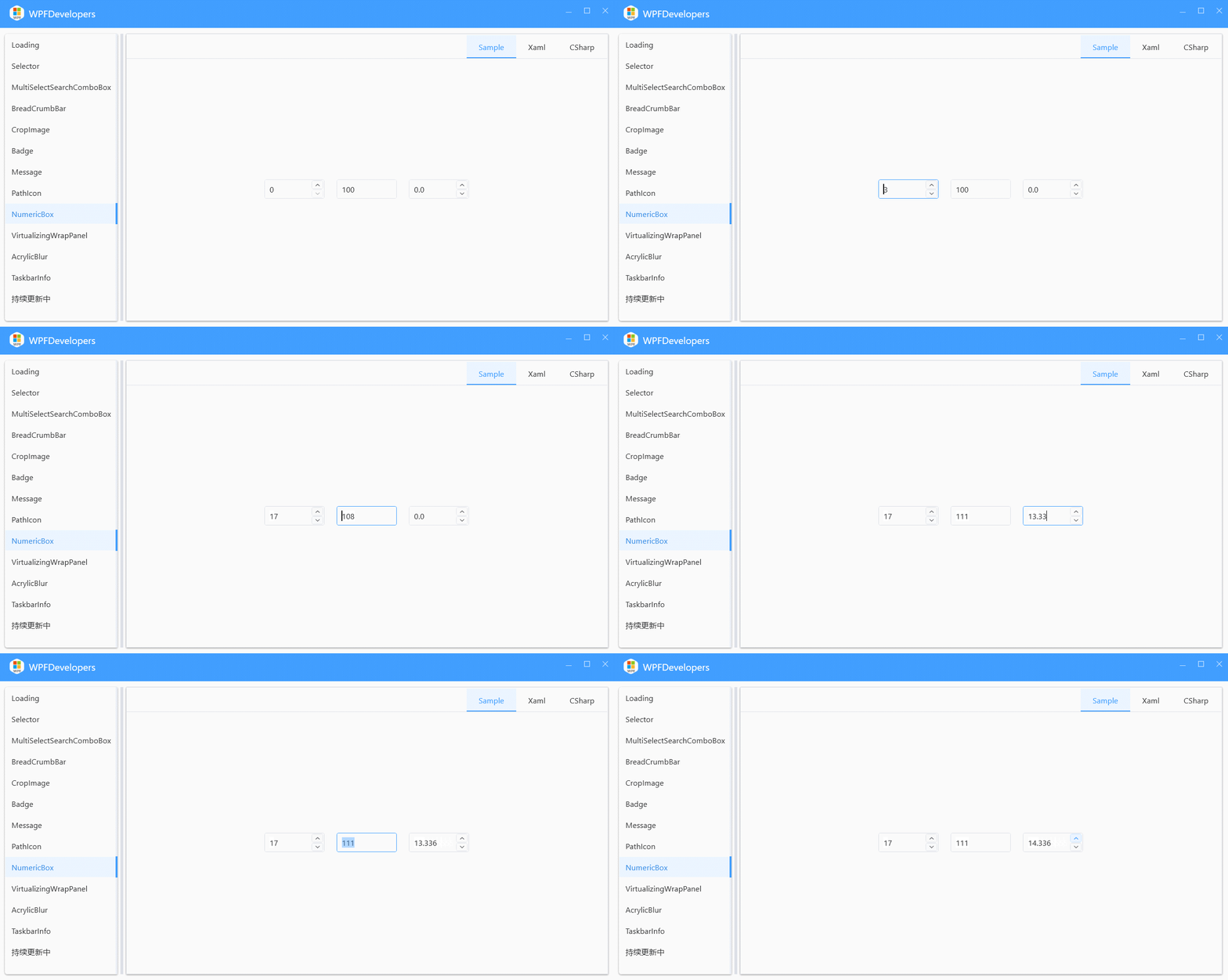


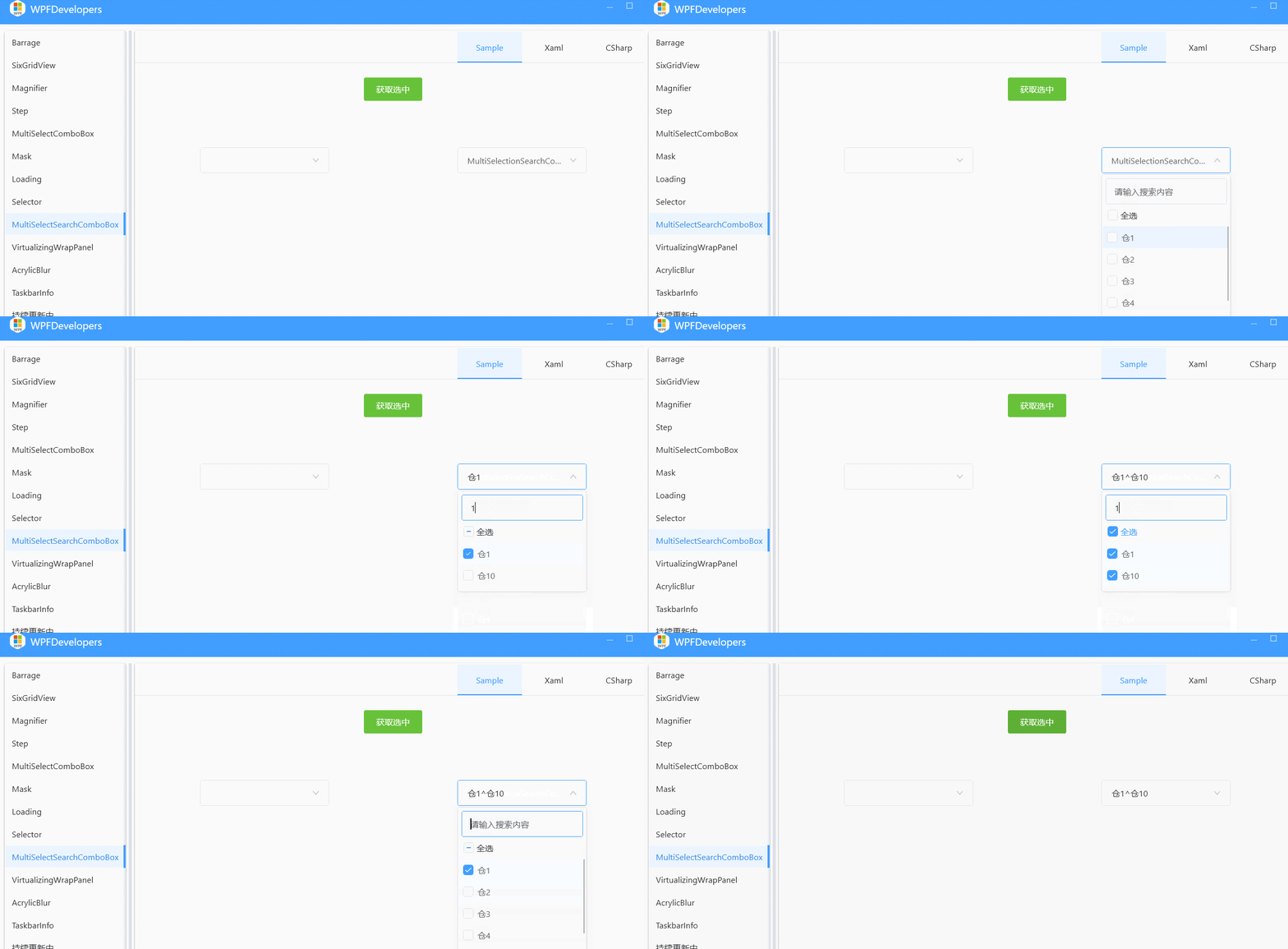














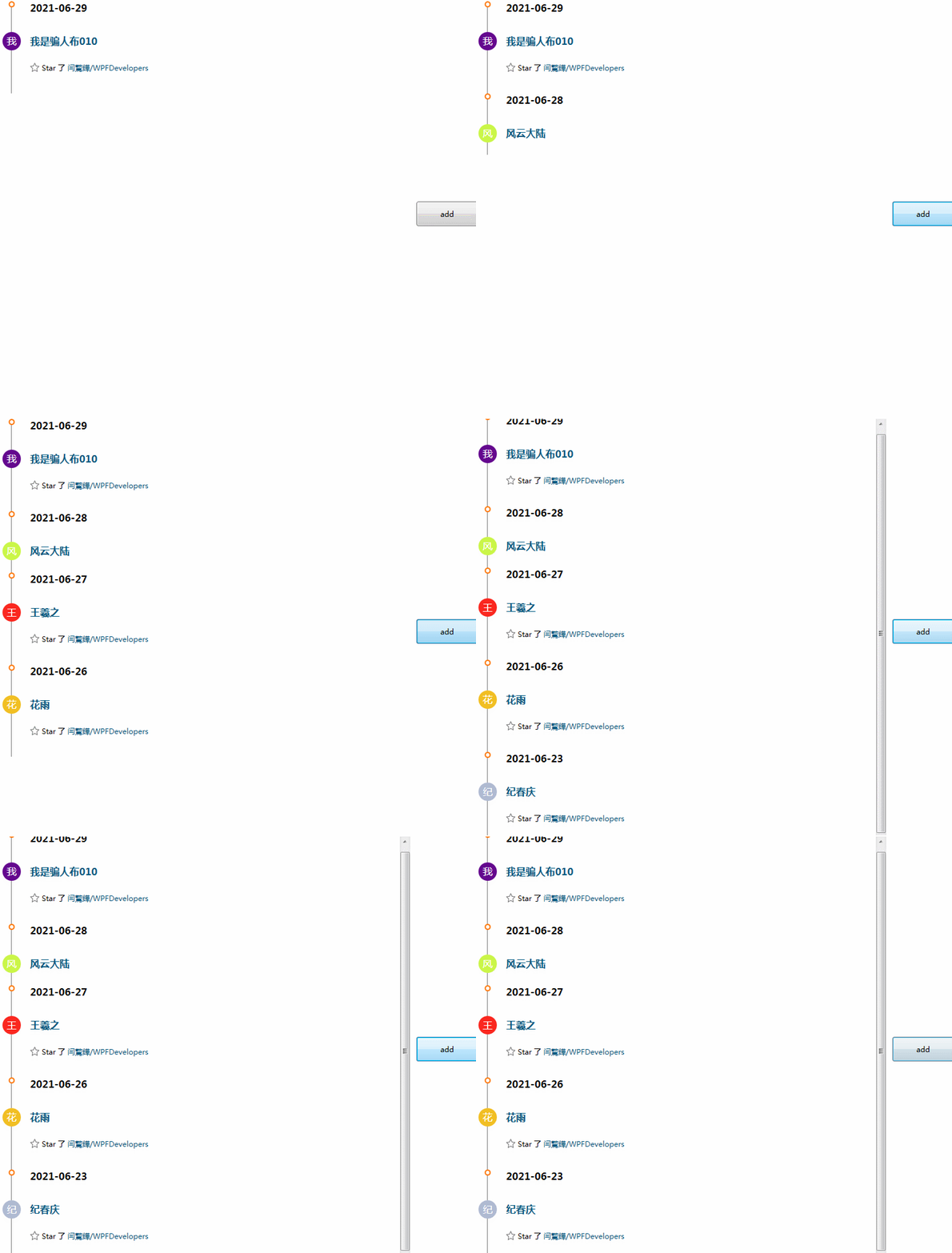


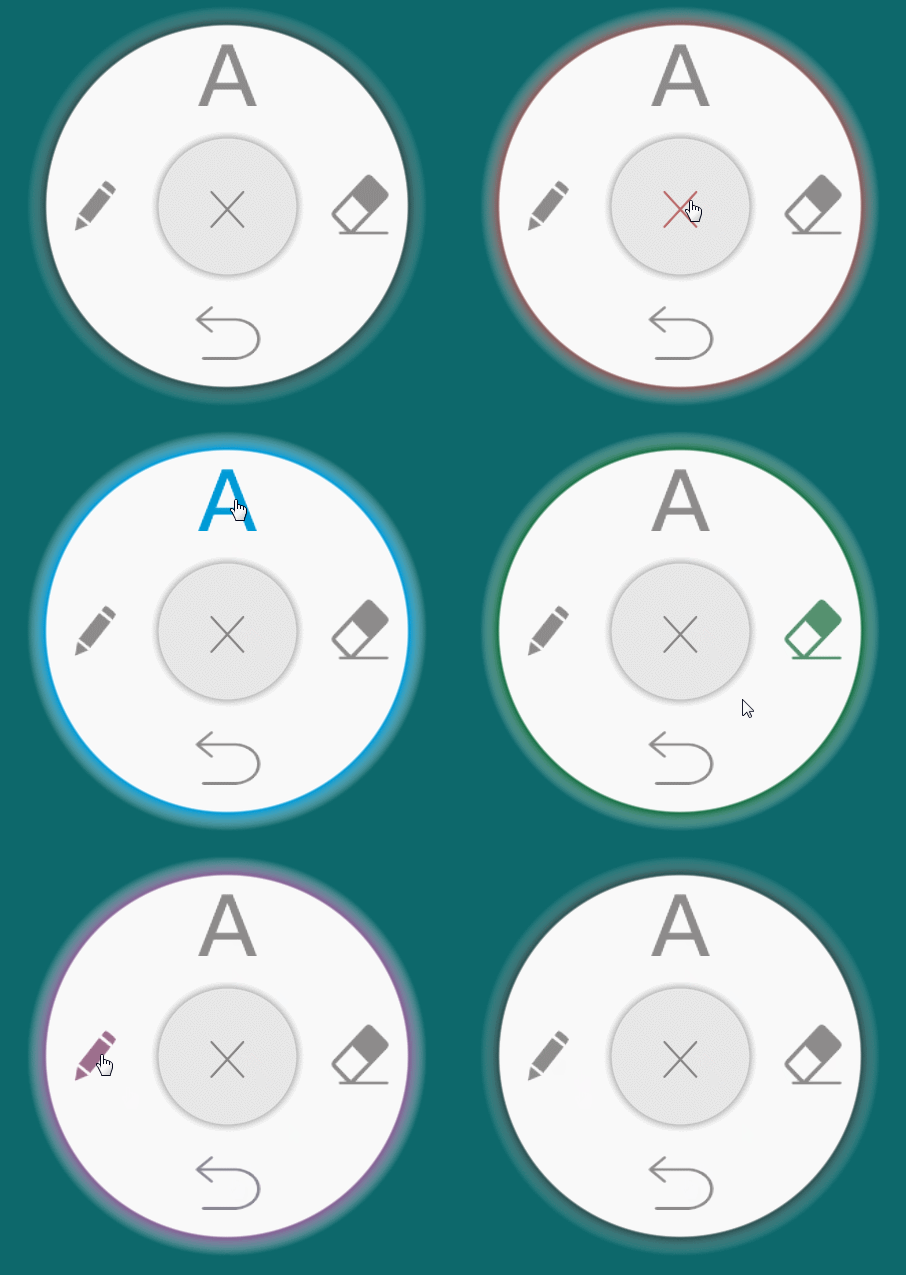


~~底线~~