



Very spartan and opinionated Web / REST interface for downloading youtube videos onto a server. bottle + youtube-dl.
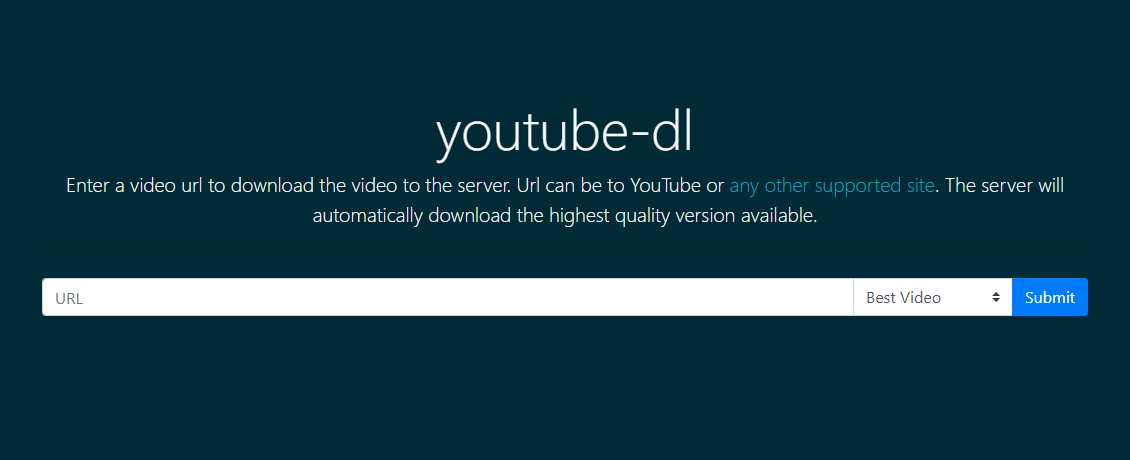
This example uses host networking for simplicity. Also note the -v argument. This directory will be used to output the resulting videos
sudo docker run -d --net="host" --name youtube-dl -v /home/kevin/youtube-dl:/youtube-dl kmb32123/youtube-dl-serverDefine custom configuration options within /config/youtube-dl.conf. See https://github.com/rg3/youtube-dl/blob/master/README.md#configuration for more details.
Downloads can be triggered by supplying the {{url}} of the requested video through the Web UI or through the REST interface via curl, etc.
Just navigate to http://{{address}}:8080/youtube-dl and enter the requested {{url}}.
curl -X POST --data-urlencode "url={{url}}" http://{{address}}:8080/youtube-dl/qThe server uses bottle for the web framework and youtube-dl to handle the downloading. For better or worse, the calls to youtube-dl are made through the shell rather then through the python API.
This docker image is based on python:3-onbuild and consequently debian:jessie.