Week 13 Project for Devslopes Academy
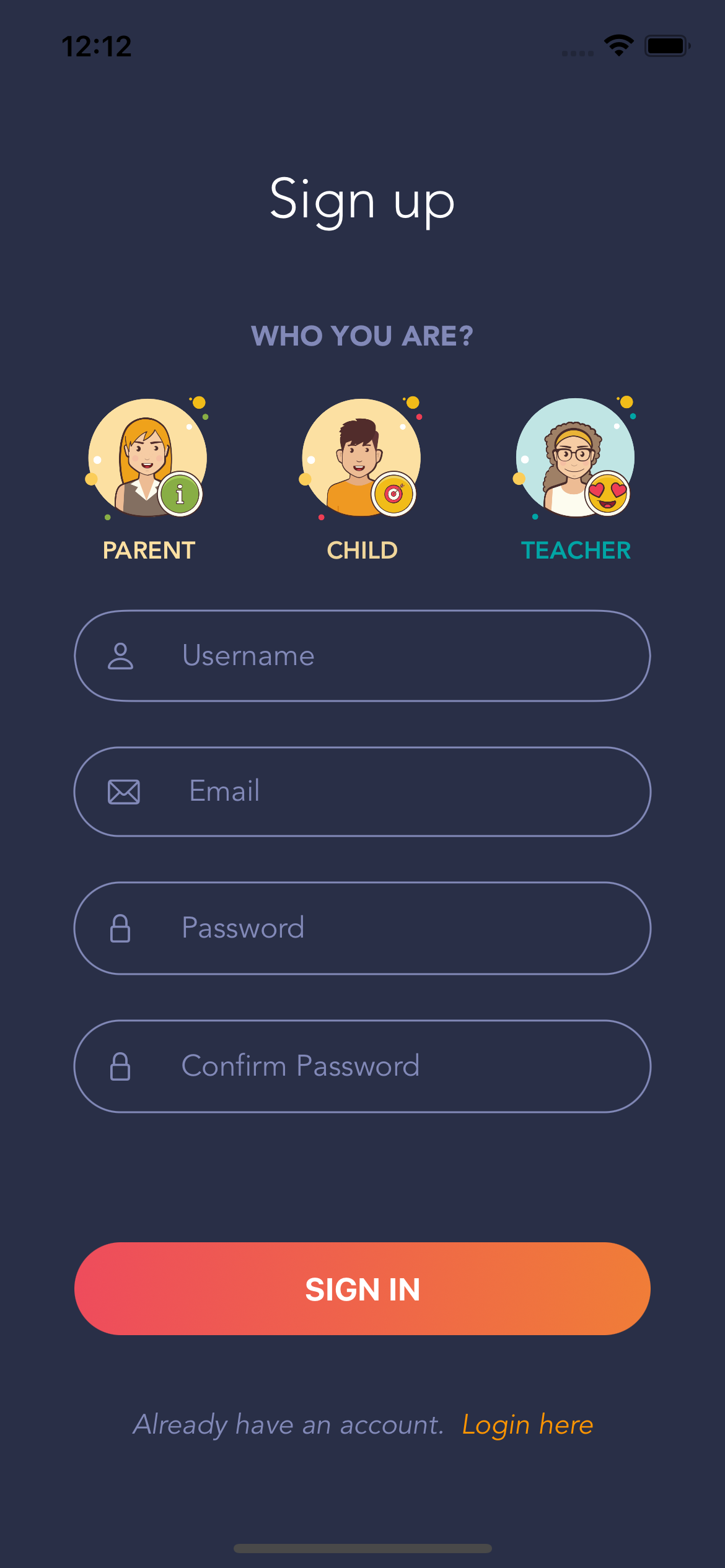
Build a signup screen to match example and only allow emails in valid format and passwords of at least 6 characters.
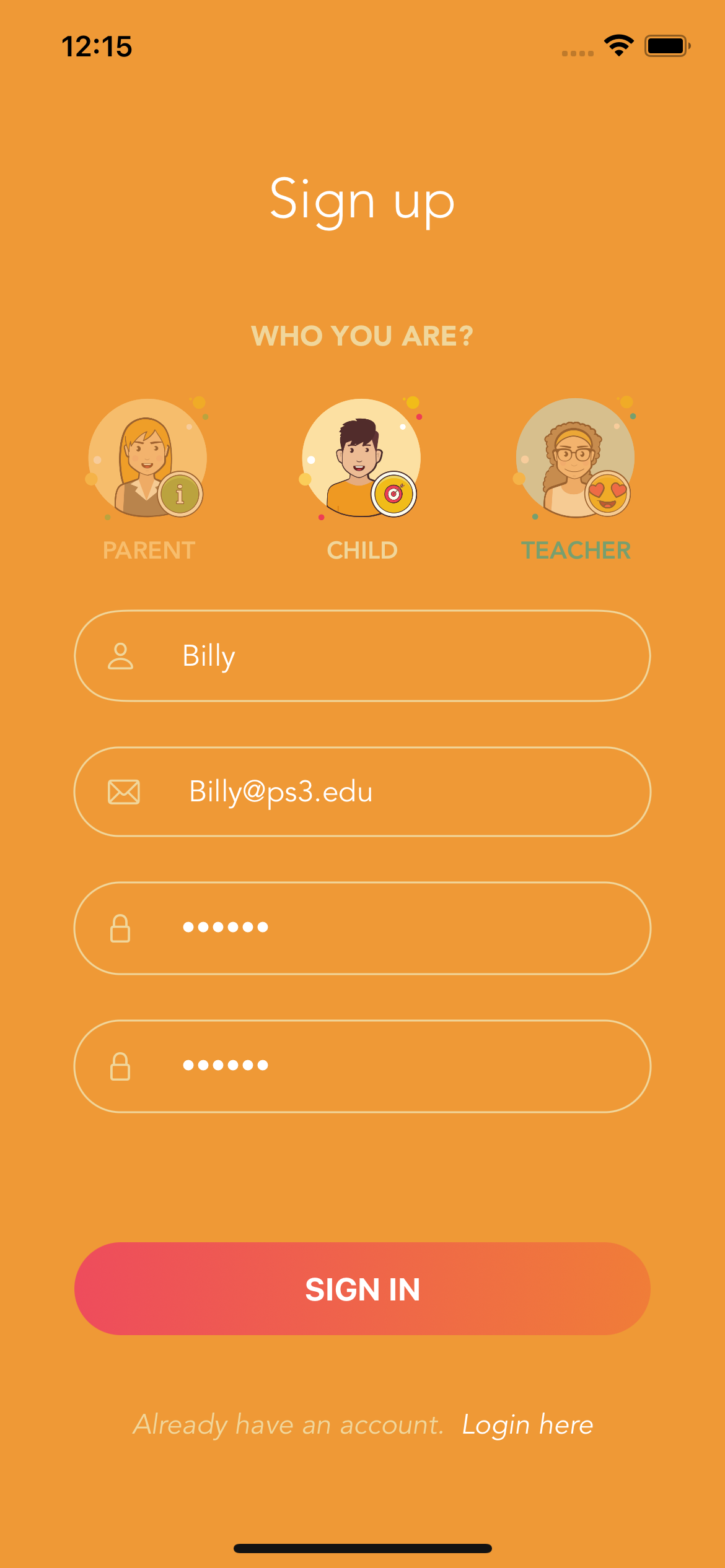
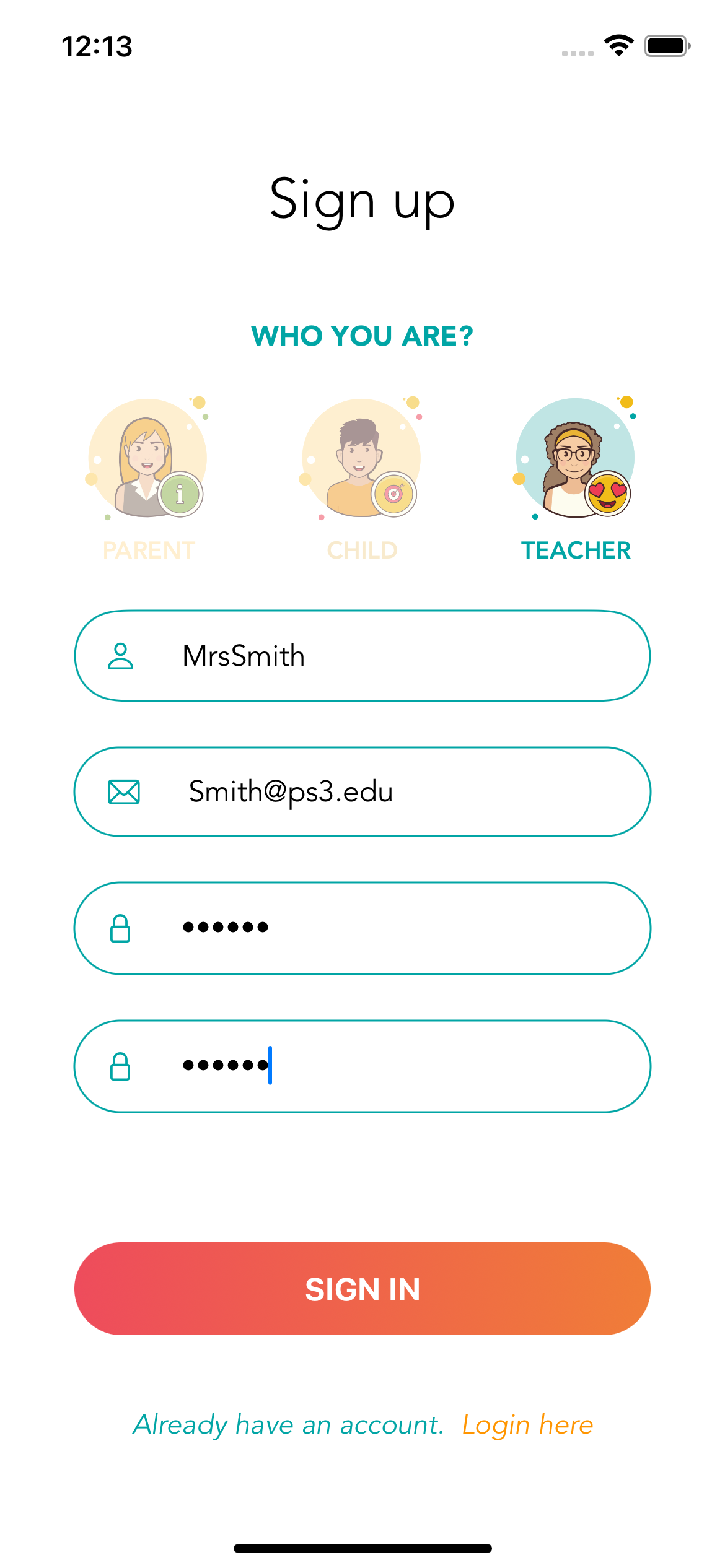
- There are 3 options under "WHO YOU ARE?" Tapping the avatar image will highlight that image and un-highlight the other two
- When an avatar is selected, the background of the screen changes to a different color (that goes with the avatar)
- The "Email" TextField should only allow valid emails to be entered
- Passwords must be a minimum of 6 characters
- Confirm password TextField should be disabled until a 6 character password is entered in the password field
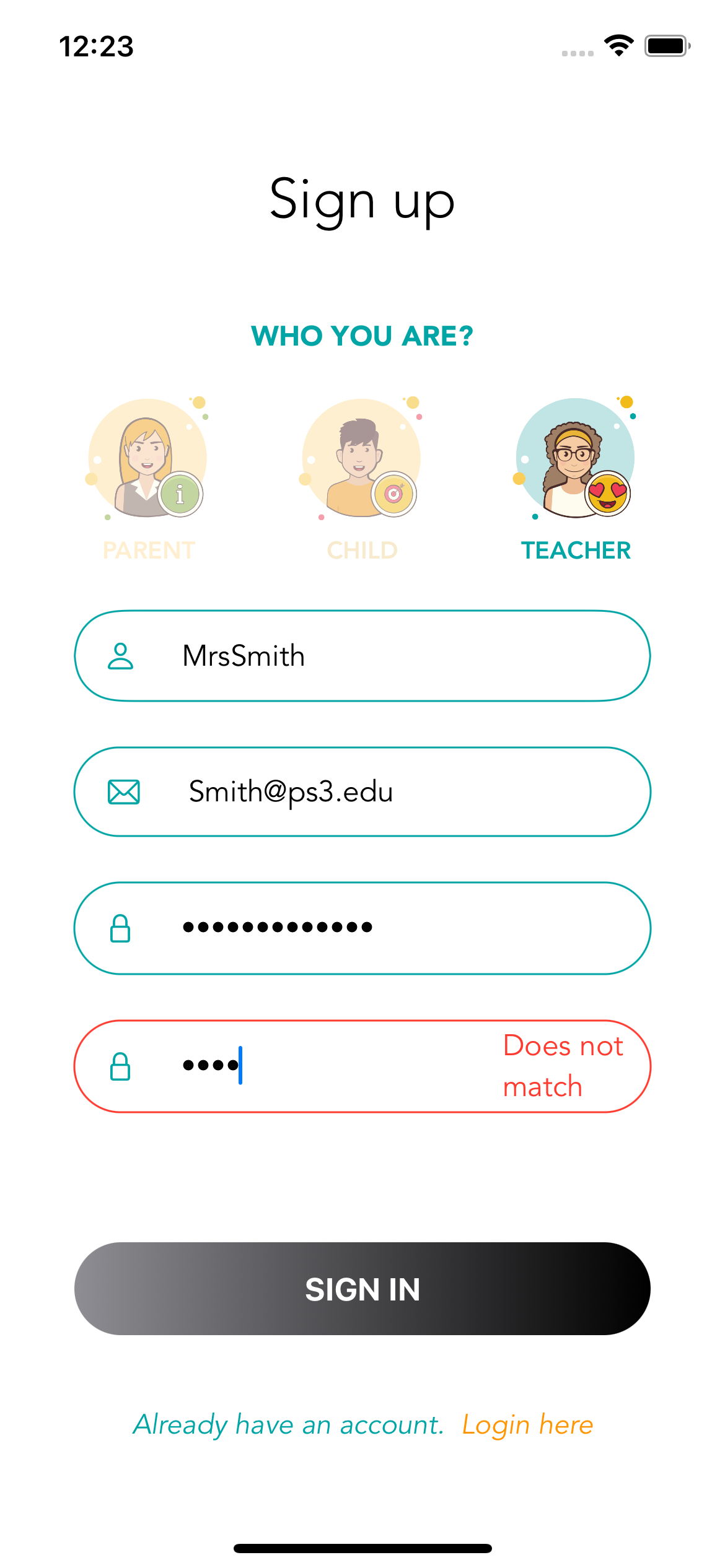
- As the user is typing into Confirm password, if the passwords don't match the red border appears
- The "SIGNUP" button is disabled until all fields are valid
- SwiftUI
- Validation for email and password fields