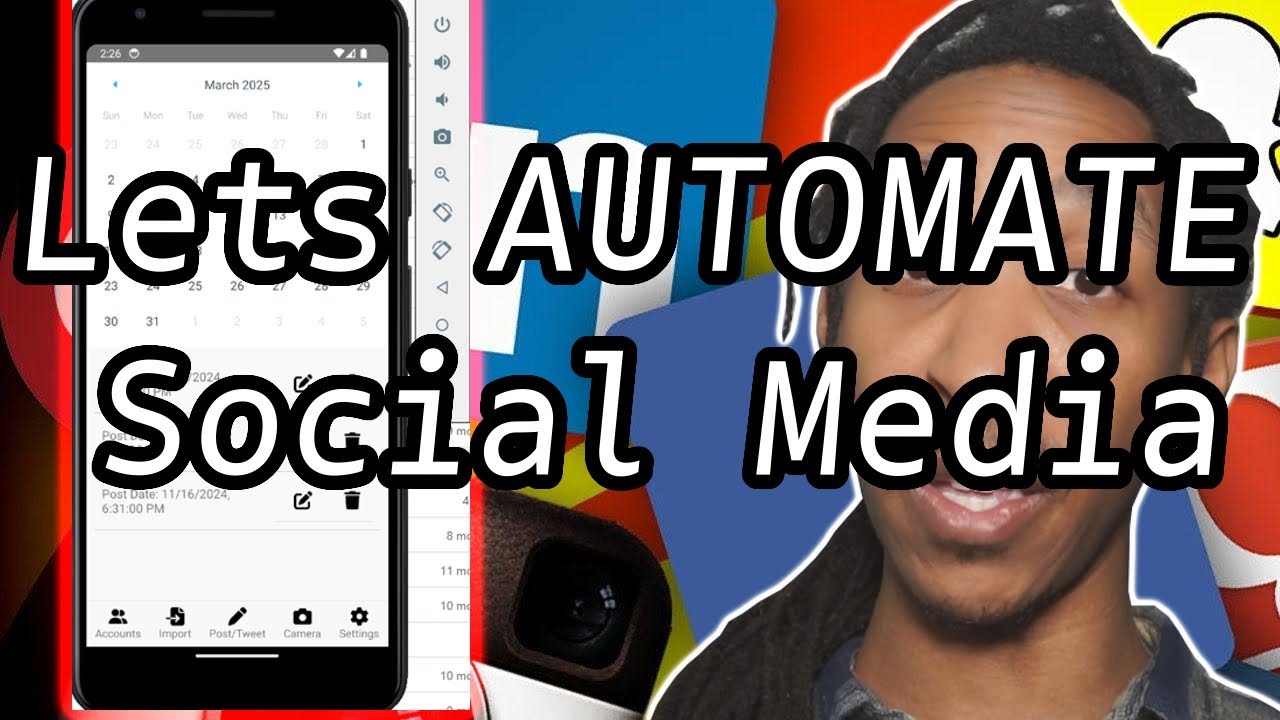
The Social Media Scheduler is an application that allows users to schedule and manage their social media posts across various platforms. It integrates with the following APIs:

- Meta/Facebook API
- YouTube API
- TikTok API
- Instagram API
- Twitter API

- Schedule posts: Users can schedule posts to be published on their social media accounts at a specific date and time.
- Platform integration: The application seamlessly integrates with Meta/Facebook, YouTube, TikTok, Instagram, and Twitter APIs to fetch user data and publish posts.
- Database backend: The application uses SQLite as the database backend to store user information, scheduled posts, and API credentials securely.
-
Clone the repository:
git clone https://github.com/Masterjx9/socialmediascheduler.git cd Mobile_version -
Install the required dependencies:
npm install
-
Run the application locally:
npx react-native run-android --verbose
-
Build the application for production:
./gradlew assembleRelease -x lint
./gradlew bundleRelease -x lint
The debug APK can be found in Mobile_version/android/app/build/outputs/apk/debug/app-debug.apk.
The release APK can be found in Mobile_version/android/app/build/outputs/apk/release/app-release.apk.
- Clone the repository:
   git clone https://github.com/Masterjx9/socialmediascheduler.git
cd Repo_version- Install the required dependencies:
pip install -r requirements.txt-
Setup Ngrok (WIP):
- Ngrok is used for instagram API as it requires a public URL to be set up. This repo comes with ngrok for windows, mac, and linux.
- For now we recommend getting a free API key from ngrok and setting it up manually. Hopefully we will have a better solution in the future.
- You can get a free API key from here - https://dashboard.ngrok.com/signup
- Then go to the ngrok folder and run the following command to set up ngrok:
.\ngrok config add-authtoken <YOUR_AUTH>
or
ngrok config add-authtoken <YOUR_AUTH>
-
Set up API credentials:
- Meta/Facebook/Instagram API:
- You will need following:
- App ID (Meta_ID) - https://business.facebook.com/latest/settings/instagram_account - Will show you the App ID for your Instagram accounts
- Access Token (Meta_Access_Token) - https://developers.facebook.com/tools/explorer/ - Will show you the Access Token for your Instagram accounts
- Make sure to link your Instagram account to your Facebook page - https://www.facebook.com/business/help/connect-instagram-to-page
- You will need following:
- Twitter API:
- https://developer.twitter.com/en/docs/authentication/oauth-1-0a/api-key-and-secret
- After creating your app in the developer portal, go to the keys link for the app which will look like this - https://developer.twitter.com/en/portal/projects//apps//keys
- You will need following:
- API Key (Twitter_Consumer_Key)
- API Secret Key (Twitter_Consumer_Secret)
- Access Token (Twitter_Access_Token)
- Access Token Secret (Twitter_Access_Token_Secret)
- YouTube API:
- You will need following:
- API Key (YouTube_API_Key) - https://console.developers.google.com/apis/credentials
- You will need following:
- LinkedIn API:
- You will need following:
- Client ID (LinkedIn_Client_ID)
- Client Secret (LinkedIn_Client_Secret)
- Redirect URL (LinkedIn_Redirect_URL)
- You will need to create an app in the LinkedIn Developer portal - https://www.linkedin.com/developers/
- You will need following:
- Meta/Facebook/Instagram API:
-
Configure the application:
-
Create a
.envfile in the root directory of the project. -
Add the following environment variables to the
.envfile:- Or use the sample.env to get started
CONFIG_PATH = config.yaml
-
-
Run the management application:
-
From python:
python manage.py
-
From the executable:
- First create the executable using the following command:
# Create the executable
pyinstaller --noconfirm --onedir --windowed --icon "logo.ico" --paths "/gui"

# Copy .env file
cp .env output/manage/.env

# Copy config.yaml file
cp config.yaml output/manage/config.yaml

# Copy database_default.sqlite3 file
cp database_default.sqlite3 output/manage/database_default.sqlite3
- Then run the executable from the output folder
- First create the executable using the following command:
- Sign in to your social media accounts within the application.
- Create a new post and specify the date and time for it to be published.
- The application will automatically publish the post on the scheduled date and time.
Contributions are welcome! If you have any ideas, suggestions, or bug reports, please open an issue or submit a pull request.
This project is licensed under the MIT License.