
DroidGit is a powerful Git server for Android. It turns your mobile device into a fully functional Git hosting server, allowing you to manage code repositories, users, and permissions directly from your phone or tablet.
Accessible via HTTP, DroidGit makes it easy to share code and collaborate on the go. (Note: Currently only HTTP protocol is supported, SSH support may be added in future versions)
English | 中文 | Español | Français | 日本語 | 한국어 | Русский
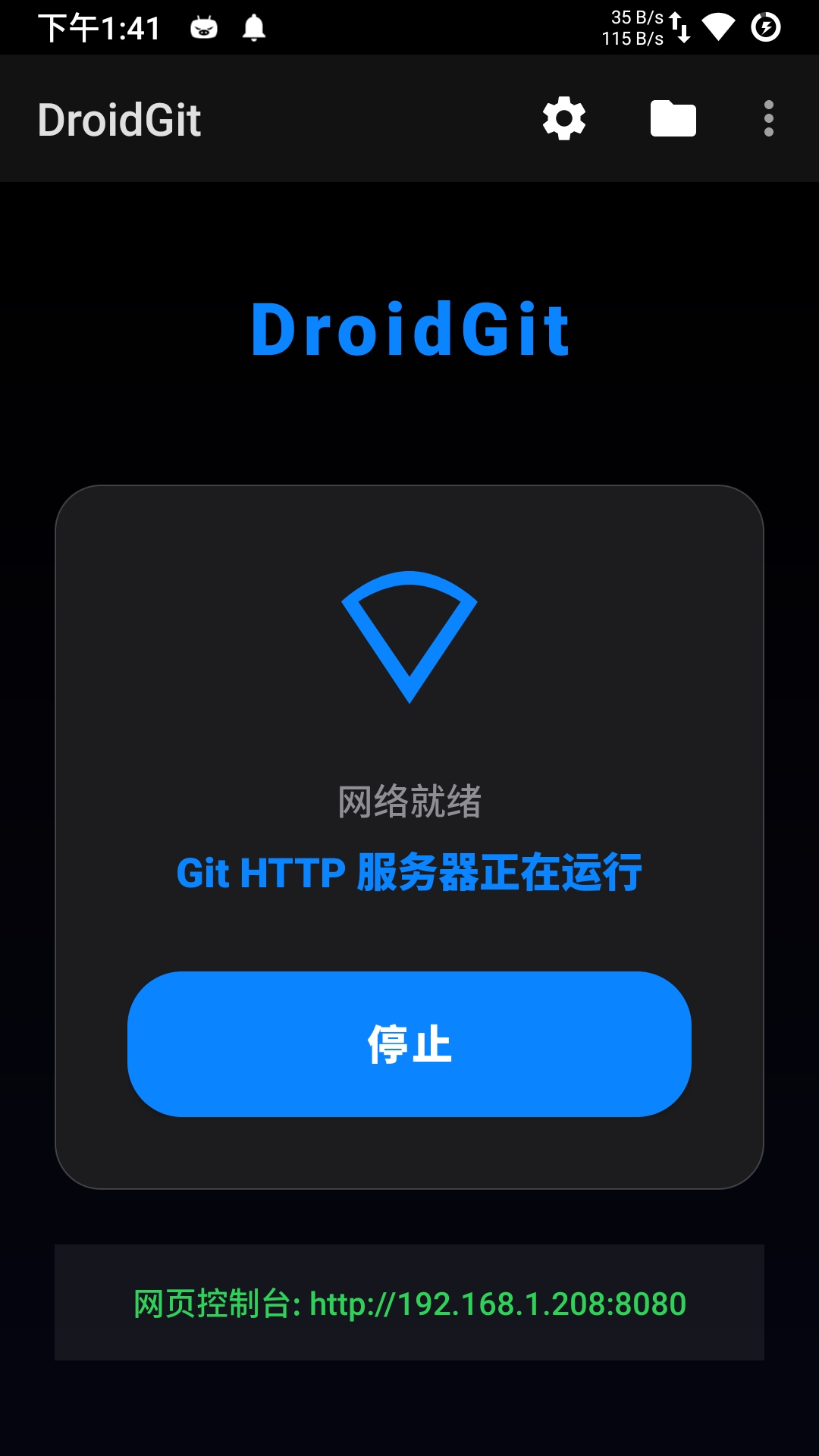
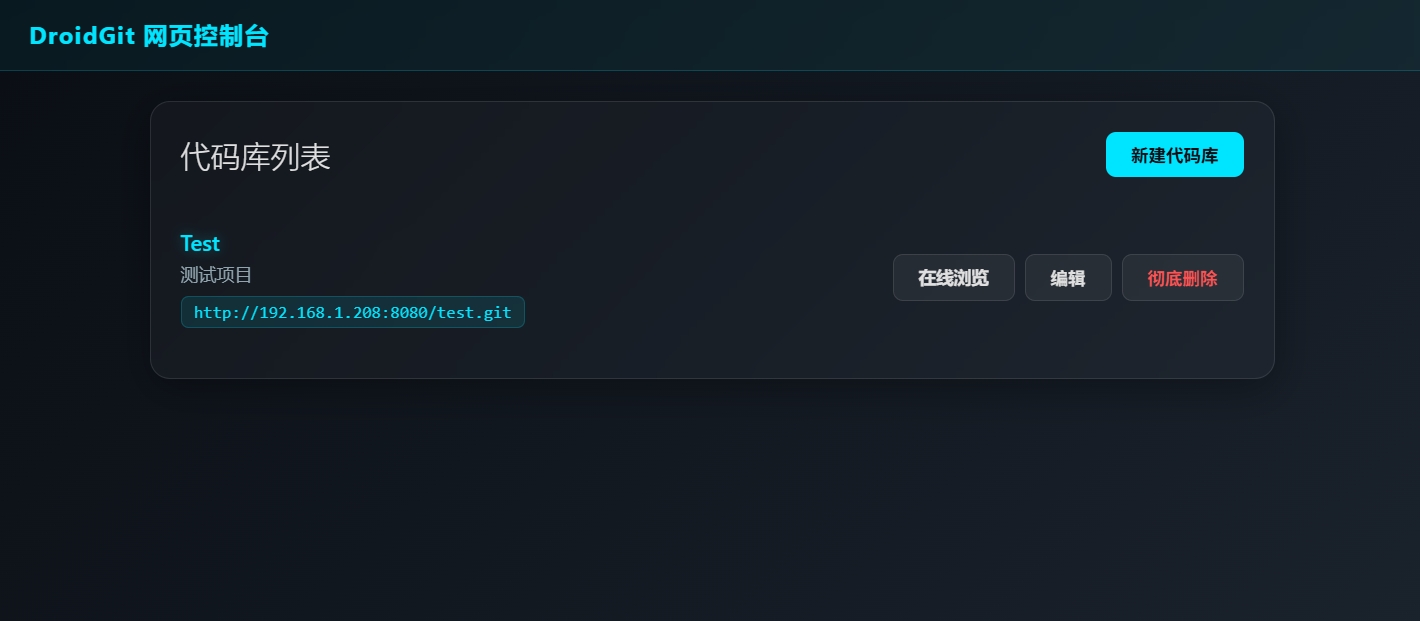
- HTTP Protocol Support: Host Git repositories using Smart HTTP protocol.
- Git Operations: Full support for standard Git commands:
clone,push,pull,fetch. - Repository Management: Create, delete, and edit repositories via the Android App or Web Console.
- Web Interface: Manage your server from any browser (PC/Mobile) at
http://<device-ip>:<port>/. - Repository Browser: Browse files, directories, and commit history visually.
- Markdown Rendering: Automatically renders
README.mdfiles for project documentation. - Syntax Highlighting: View code with beautiful syntax highlighting.
- File Preview: Preview images, videos, audio, and text files directly in the browser.
- Quick Edits: Update repository descriptions and settings from the web UI.
- Service Management: Run as a background service.
- WiFi Awareness: Auto-start/stop based on WiFi connectivity.
- Open DroidGit on your Android device.
- Tap the power button icon to Start the server.
- Note the IP address and port displayed (e.g.,
192.168.1.5:8080).
- On your computer, open a browser.
- Navigate to
http://<device-ip>:<port>/(e.g.,http://192.168.1.5:8080/). - You will see the DroidGit Web Console.
- In the Web Console, click New Repository.
- Enter a name (e.g.,
my-project) and description. - Click Create.
You can now use Git on your computer to interact with the repository.
Using HTTP:
# Clone the empty repository
git clone http://<device-ip>:<port>/my-project.git

# Or add as remote to existing project
cd my-project
git init
git remote add origin http://<device-ip>:<port>/my-project.git
git add .
git commit -m "Initial commit"
git push -u origin masterThis project is licensed under the Apache License, Version 2.0. You are free to use, modify, and distribute this software under the terms of the Apache License. See LICENSE for details.
DroidGit adheres to international principles of Peace, Respect, and Equality. By using this software, you agree to:
- Use it in compliance with local laws and international internet conduct standards.
- NOT use it for hate speech, discrimination, violence, or promoting illegal content (CSAM, terrorism, etc.).
- Respect privacy and intellectual property rights.
- Server Core: NanoHTTPD (HTTP)
- Git Engine: Eclipse JGit.
- Database: ORMLite (SQLite).