You signed in with another tab or window. Reload to refresh your session.You signed out in another tab or window. Reload to refresh your session.You switched accounts on another tab or window. Reload to refresh your session.Dismiss alert
To run the example project, clone the repo, and run pod install from the Example directory first.
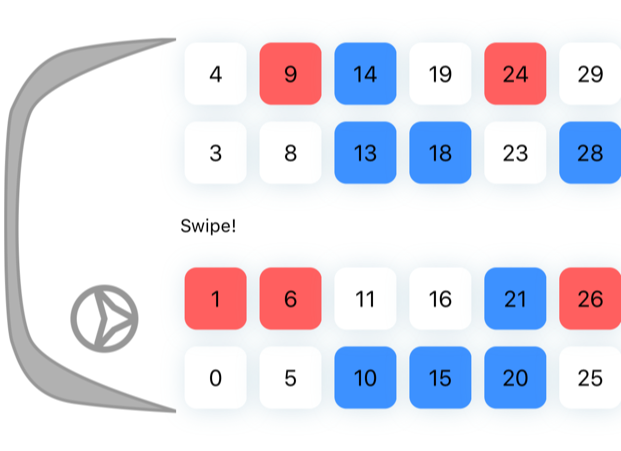
Screenshots
Start
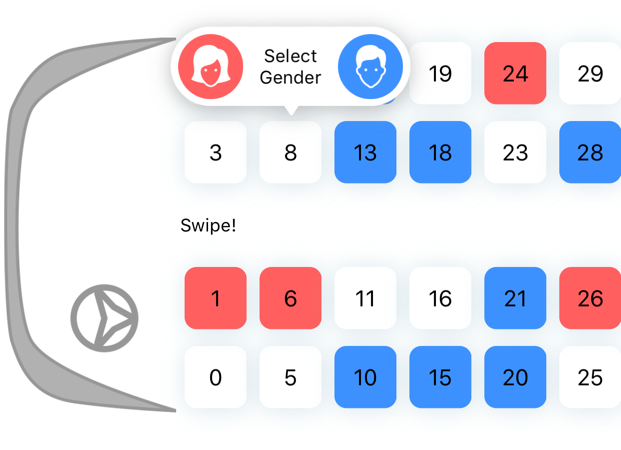
Select
Gender Selection
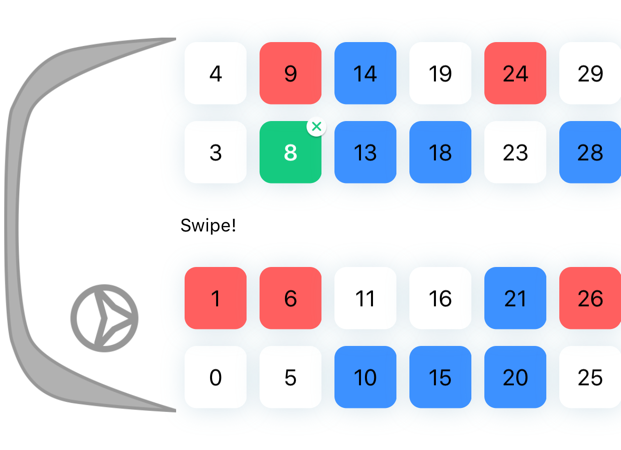
Voilà!
Installation
ALBusSeatView is available through CocoaPods. To install
it, simply add the following line to your Podfile:
pod'ALBusSeatView'
Usage
// If you want to config more
// let config = ALBusSeatViewConfig()
// ALBusSeatView(withConfig: config)
letseatView=ALBusSeatView()
seatView.delegate =self
seatView.dataSource =self
view.addSubview(seatView)
//ALBusSeatViewDataSource
func seatView(_ seatView:ALBusSeatView, numberOfSeatInSection section:Int)->Int{return43 // Total seat count
}func seatView(_ seatView:ALBusSeatView, seatNumberForIndex indexPath:IndexPath)->String{return"10" // Seat Number
}func seatView(_ seatView:ALBusSeatView,
seatTypeForIndex indexPath:IndexPath)->ALBusSeatType{return.empty
}
// Seat Types
publicenumALBusSeatType:Int{
/// Free to pick
case empty
/// Already sold by woman or man
case sold
/// Being selected
case selected
/// Already sold by woman
case soldWoman
/// Already sold by man
case soldMan
/// Not a seat. Can not be able to select
case none
}