


Though I write most scripts to work on both X11 and Wayland, I mostly run Hyprland now. So I guess you could call these Hyprland dotfiles for the time being. A lot of the config is still independent of your window/display manager though.
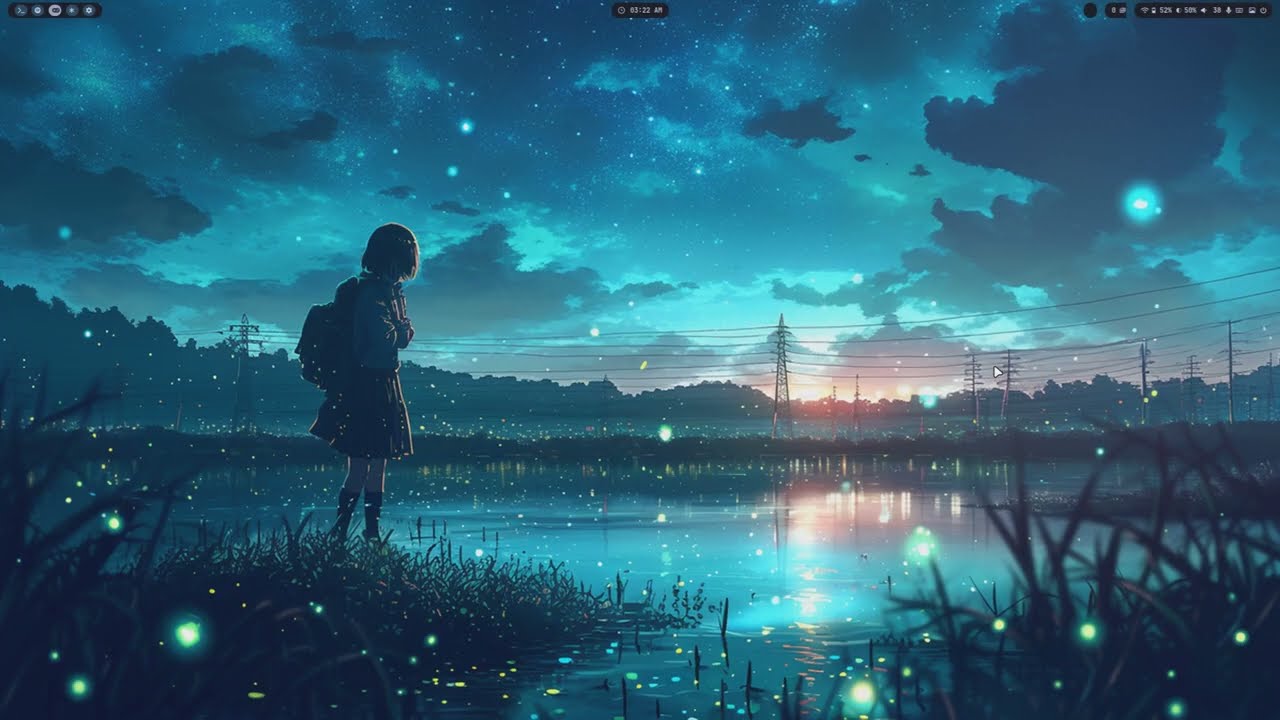
| Ai |
|---|
 |
| Akane |
|---|
 |
| Ishida |
|---|
 |
| Mayuri |
|---|
 |
| Meranii |
|---|
 |
| Misato |
|---|
 |
| Nina |
|---|
 |
| Sakura |
|---|
 |
| Shina |
|---|
 |
| Shinji |
|---|
 |
| Shoko |
|---|
 |
| Sosuke |
|---|
 |
All themes ship with a (more or less developed) light mode too (click for preview)
| Sosuke (light) |
|---|
 |
Screenshots may not always be up-to-date. You can check themes out by running
theme-picker.
Note: these are only some specific themes for these
contexts(refer to theme).
 |
 |
|---|---|
| Floorp | Floorp (new tab) |
| Wall picker | Theme picker |
|---|---|
 |
 |
 |
 |
 |
|---|---|---|
| Dunst | Ranger | Rofi |
| Logout menu | Screenlock |
|---|---|
 |
 |
# Official repos (Arch):
bash
# AUR:
picom-ftlabs-git
# Official repos (Arch):
geoclue2
# AUR:
expect playerctl
To install all of the above (on Arch) run:
sudo pacman -S bash geoclue2
yay -S picom-ftlabs-git expect playerctl
Not found in AUR (correct me if I'm wrong)
I'm working on a setup script, but it's still a stub.
git clone https://github.com/cherrynoize/dotfiles
cd dotfiles
./.github/install.sh

# need to move some stuff around manually:

mv -n * ~
mv -n .* ~
Note the
-n(no-clobber) flag, meaning existing files won't be replaced and you should manually take care of that.
From now on you can just run:
cfg pull
and it should automatically update your dotfiles. (Please, take care of your own unstaged changes.)
You need to source ~/.initrc during startup. It provides
configuration used all over the place. To do this you can add
something like:
[ -f ~/.initrc ] && . ~/.initrc
to your ~/.xinitrc, ~/.xprofile. You can just execute it
from your WM if you're on Wayland.
To set environmental variables used throughout the dotfiles,
add to your ~/.profile:
[ -f ~/.env ] && . ~/.env
And make sure your display manager sources ~/.profile for
Wayland sessions. You can add the line above in any other file
sourced at login.
This config uses theme
which in turn uses wpgtk
for easier global theming and automatic colorscheme generation
with pywal.
For better portability template symlinks are not hardcoded
and can be regenerated anytime using fix-wal-templates and
fix-wpg-templates.
Warning: this will delete all (and only) symlinks in the
walandwpgtemplate directories respectively, and generate only those specified in thefix-*-templatesscripts. (This is automatically run in the installation script.)
You can also add your own templates as you regularly would (please refer to the Wpgtk wiki).
You might want to set up a profile picture at
~/.pfp/pfp.jpg. This can be used by applications, widgets or panels.
The nvim configuration is based upon
AstroNvim,
an IDE layer for Neovim. Check out the
docs
for info about configuration.
The repo also includes a large collection of shell scripts, some collected around the internet, but most of them are actually my own.
Active focus is currently on fish. In my setup, bash is
used as the login shell, which spawns fish when run interactively.
So bash config is maintained only in a basic way.
Please, refer to the theme documentation for usage.
⚠ Please do not run binaries or use shell aliases unless you understand what they do. Take the time to inspect the source first.
You can find all binary files in ~/bin and ~/.local/bin,
shell aliases in ~/.config/fish/config.fish and keyboard
shortcuts in ~/.config/hypr/keybindings.conf (or in the unmantained sxhkd
config: ~/.config/sxhkd/sxhkdrc).
TODO list.
For a complete list of all keybindings hit Super+F1 or execute cheatsheet.
This is just some basic keybindings to get you started.
"$TERMINAL" # Mod+Return
rofi -show drun # Mod+x
rofi -show run # Mod+r
powermenu # Mod+q
theme-picker # Mod+Esc (slow to startup, duly noted)
wall-picker # Mod+Shift+Esc
change-wallpaper # Mod+Ctrl+w
switch-mode # Mod+<
Please note: may not always be up to date, refer to full cheatsheet if having issues.
launch-nvim # 'nvim' is an alias for that in fish/bash
{Alt,Shift}+Tab            Move to next/previous tab
Space;{Shift}+Tab          Move to next/previous buffer
Alt+{h,j,k,l}              Move to adjacent window
Ctrl+{h,j,k,l}             Move to adjacent window (wraparound)
Ctrl+{Left,Up,Down,Right}  Resize window
Space                      Help menu
{Tab,Shift}+Tab  Move to next/previous entry
h,j,k,l          Vi-like keybindings for moving around (with no inputbar)
Alt+{h,j,k,l}    Where there's also an inputbar
sudo privilege timeout for the shell is refreshed with sudo -v. fish already has an abbreviation set
to replace sudo with sudo -v; sudo so that it gets updated
each time. However, I find that cumbersome as well as annoying
to have that prefix to each command and it doesn't work well
with auto-completion/suggestions as well as with other
abbreviations, so you can call sd rather than sudo
to avoid all that (you cannot
use a function because that would enter an infinite loop.)
Or just use sudo.
- Some text visibility issues in light mode (inherited from theme).
- Random wallpaper button not working.
-
Widget windows closers sometimes get stuck open, causing you to accidentally open popup windows when clicking on other windows rather than close them. To fix this you could restart
eww, but usually it's enough to click on the pfp icon that open the panel window once to open it, then a second time to close it. -
On bspwm
ewwtends to get on top of other windows after being restarted during the session. I still haven't found how I could prevent it from happening (all suggestions are welcome).
The
ewwconfig is currently unmantained.
In case something's not working as expected you can run from the terminal:
unfuck everything # Mod+Alt+Shift+Backspace
This might help. If it doesn't, you'll have to identify the issue and actually do something about it. (You can have a look at the known bugs.) If you find something that doesn't fit, please open an issue.
- Installation script
- Finish initrc
You can have a look at the TODO and known bugs lists. Or open a PR/issue if you have found more.
If you feel like you have something to add please do.