Stop watching tabs. Auto Accept keeps every Antigravity conversation moving — accepting file edits, terminal commands, and recovery prompts automatically.
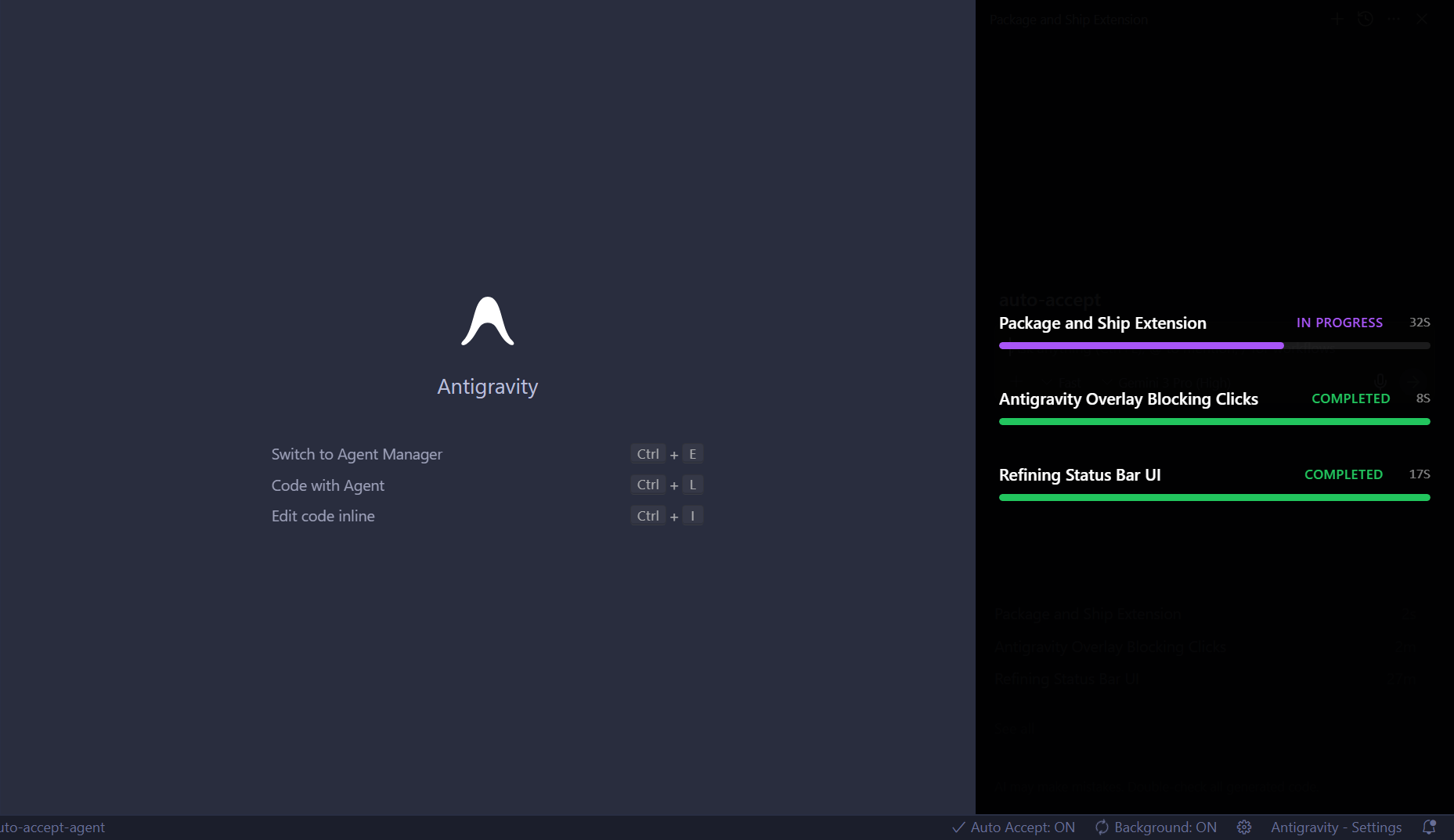
Antigravity's multi-agent workflow is powerful, but it stops every time the agent needs approval.
That's dozens of interruptions per hour.
Auto Accept eliminates the wait:
- ✅ File edits — Auto-applied
- ✅ Terminal commands — Auto-executed
- ✅ Retry prompts — Auto-confirmed
- ✅ Stuck agents — Auto-recovered
Run multiple Antigravity tabs simultaneously. Every conversation auto-accepts in the background — no tab-switching required.
Built-in protection against destructive commands like rm -rf /. Pro users can customize the blocklist.
Visual indicators show conversation state:
- Purple — In progress, actively polling
- Green — Task completed
- ✅ Antigravity
- ✅ Cursor
- ✅ Multiple windows
- ✅ Minimized/unfocused
- Install the extension
- Enable CDP when prompted (copy platform-specific script to clipboard)
- Run the script in your terminal/command prompt
- Restart your IDE completely
- Done — Auto Accept activates automatically
The extension runs silently. Check the status bar for Auto Accept: ON.
| Feature | Free | Pro |
|---|---|---|
| Auto-accept in active tab | ✅ | ✅ |
| Background mode (all tabs) | — | ✅ |
| Custom banned commands | — | ✅ |
| Adjustable polling speed | — | ✅ |
| Stuck agent recovery | — | ✅ |
| Multi-window support | — | ✅ |
- Antigravity or Cursor IDE
- Enable remote debugging port (one-time setup via provided scripts)
MIT